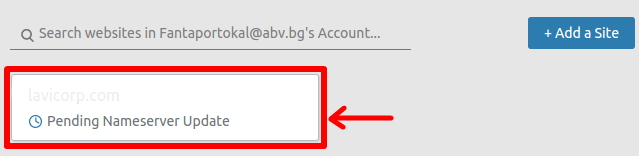
To edit your DNS zone file on Cloudflare follow these steps:
- Log into your Cloudflare Account.

- Click the domain you wish to add an MX record for.
- Open the DNS app at the top of the page.

- You need to make sure that the “A” record for the “mail” sub-domain is set to a Grey Cloud (not processed by CloudFlare).
 NOTE: The IP 1.2.3.4 needs to be your server Shared IP Address
How to configure for the “mail” sub-domain “A” record
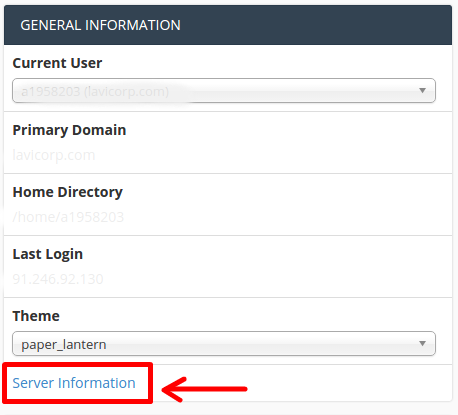
To get the exact IP you should configure for the “mail” sub-domain “A” record, please follow the steps below:- Login to your Cpanel and choose under the tab GENERAL INFORMATION > Server Information.
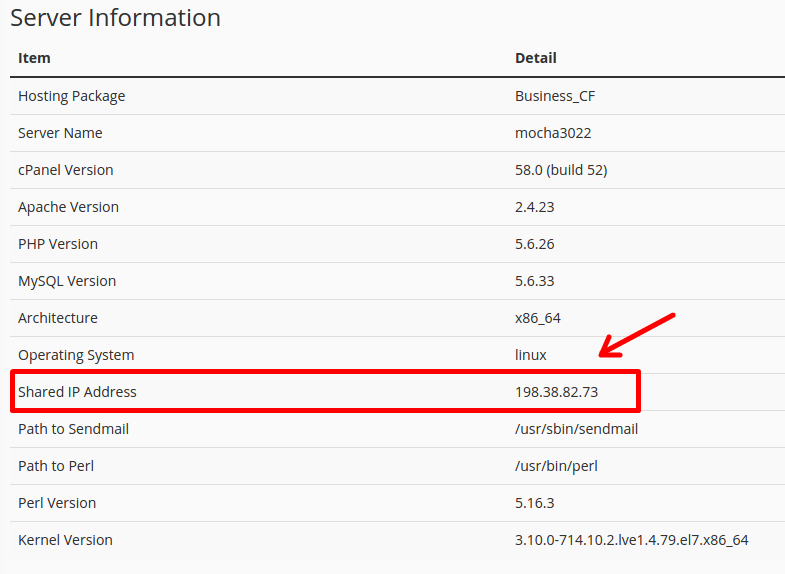
- Under the new window Server Information, you can see the Shared IP Address which you can use for your IP under your CloudFlare DNS zone.