

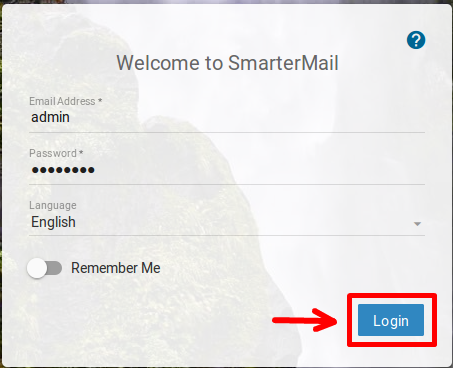
- Login to your SmarterMail panel with the Domain Administrator User.
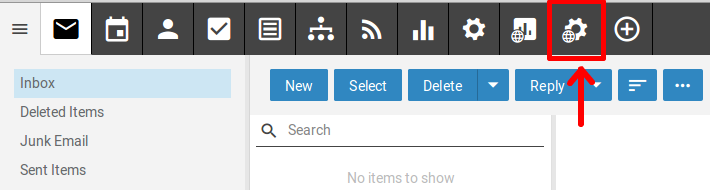
- Choose Domain Settings from the icons above.
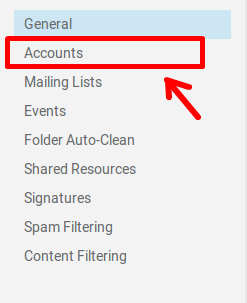
- Click on Accounts.
- Double click on the account you wish to change the password for.
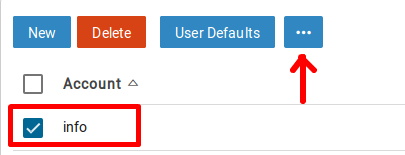
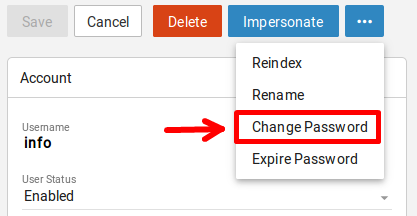
- Click on the … button choose Change Password.
- Type the new password and click Save.
