

- Connect to your website via the IIS Manager.
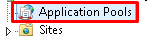
- Click on Application Pools.
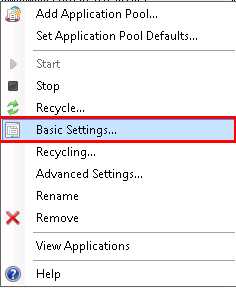
- Right-click on the Application Pool your website is using and choose Basic Settings.
 NOTE: One way to find out which application pool is being used is that it will have the number “1” under the Applications section.

- In the new windows under .NET CLR version: you need to choose No Managed Code and click OK.
 That’s it, you can now proceed with your NopCommerce intallation.