

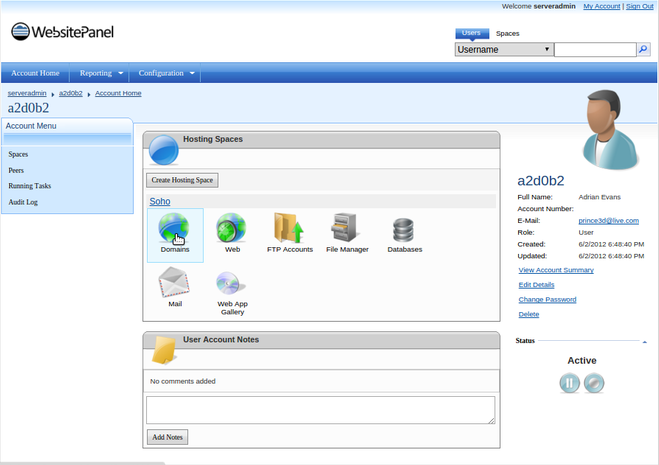
- Log into the WebsitePanel and go to the Domains section.
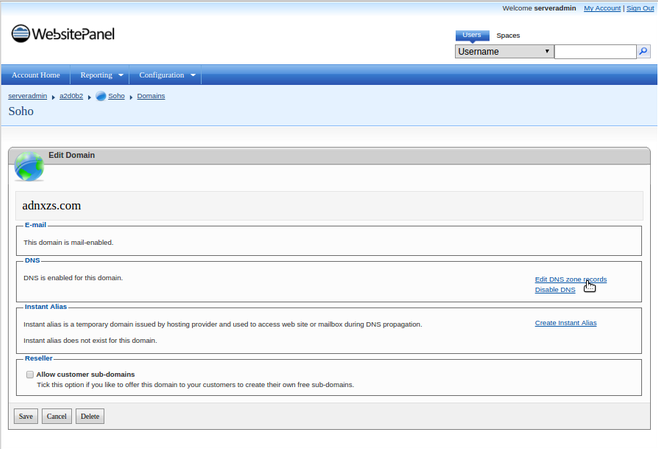
- Click the domain you would like to set the nameservers for and then click on Edit DNS zone records.
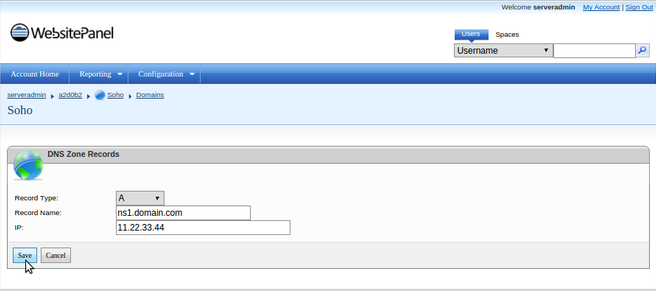
- Create A records for ns1.domain.com and ns2.domain.com pointing to the IP addresses you used while registering the nameservers and Save the Changes.
 Allow 24-72 hours for the DNS changes to propagate worldwide and enjoy your hosting.