

Overview
This plugin only works on the following cPanel packages:- Ultimate
- WP Professional
Installation
- Choose the version you want, and download the LiteSpeed Cache Plugin to your local computer.
- Open your OpenCart Admin dashboard and navigate to Extensions > Installer and upload the downloaded zip file.
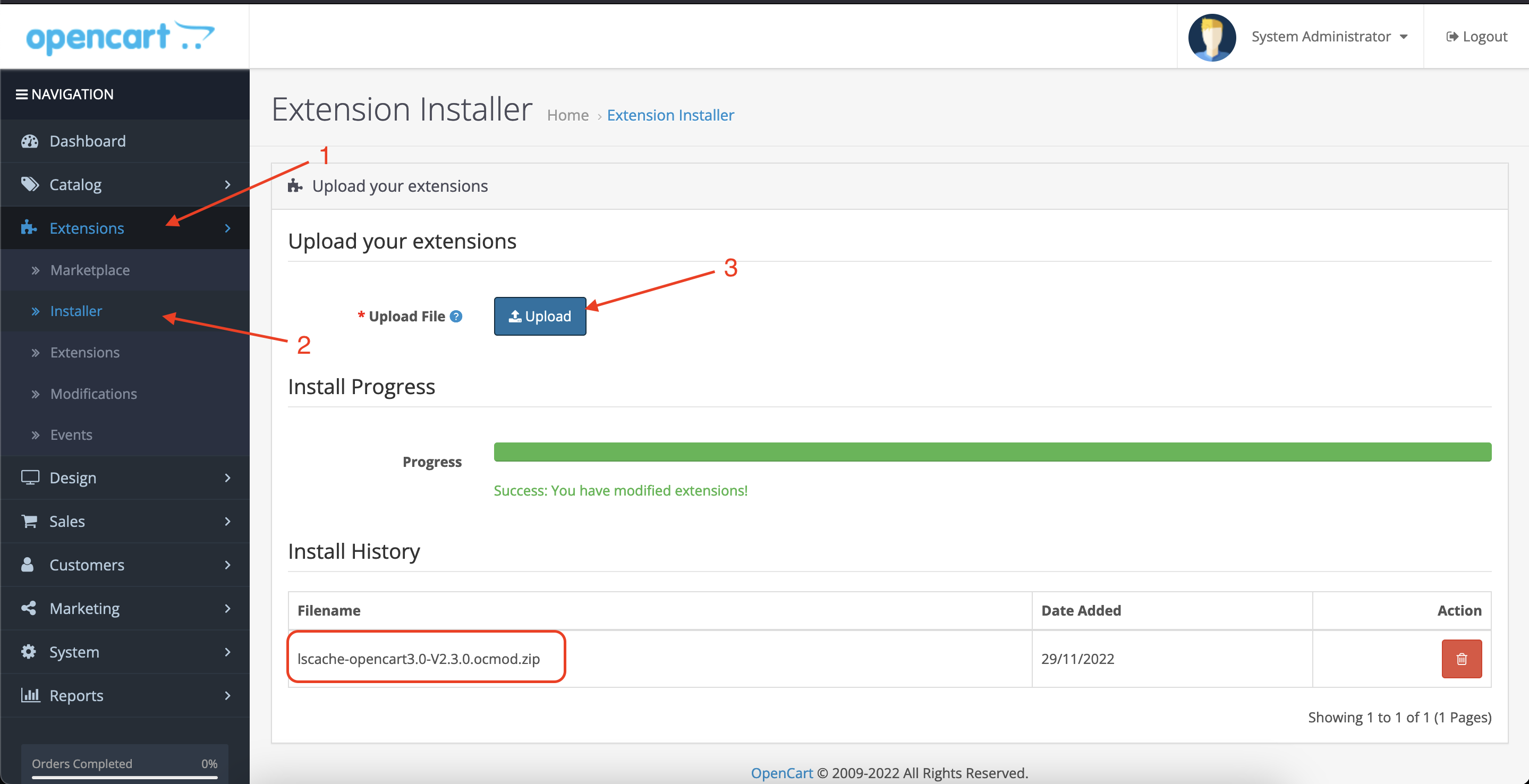
- Once uploaded, navigate to Extensions > Choose “Modules” from “Filter” > LiteSpeed Cache and install the plugin.

Verify Your Site is Being Cached
- Open LSCache Check Tool.
- Enter the URL you wish to check.