

- Login to your clientarea
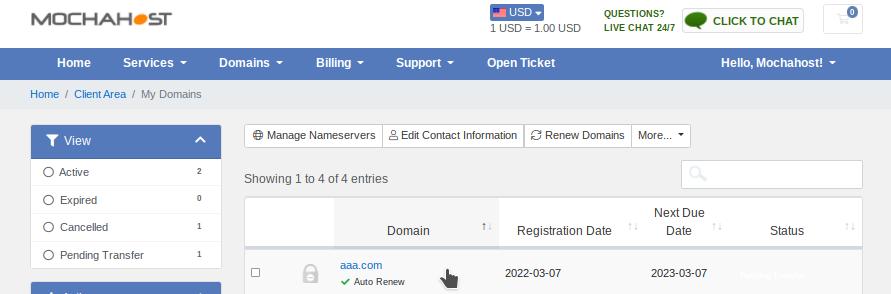
- Go to Domains > My Domains (check screenshot bellow)

- Click on the domain field (not directly on the domain text, because it will open the domain - check the screenshot bellow)
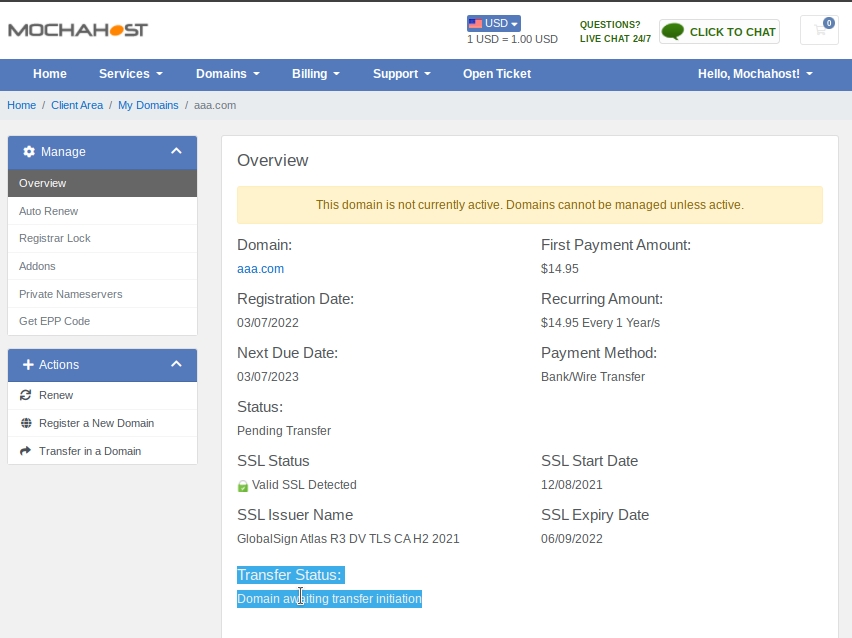
- On the bottom you will see the Transfer Status (check screenshot bellow)
 IMPORTANT: You can start using your domain name IMMEDIATELY, without having to wait for the domain name transfer to complete.
For more information, please check:
IMPORTANT: You can start using your domain name IMMEDIATELY, without having to wait for the domain name transfer to complete.
For more information, please check:How to point your existing domain name to MochaHost.