

- Log in to the Hosting Panel at https://clients.mochahost.com.
-
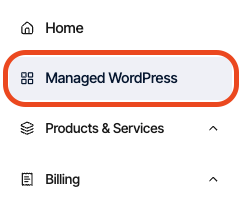
In the left sidebar, click Managed WordPress:
-
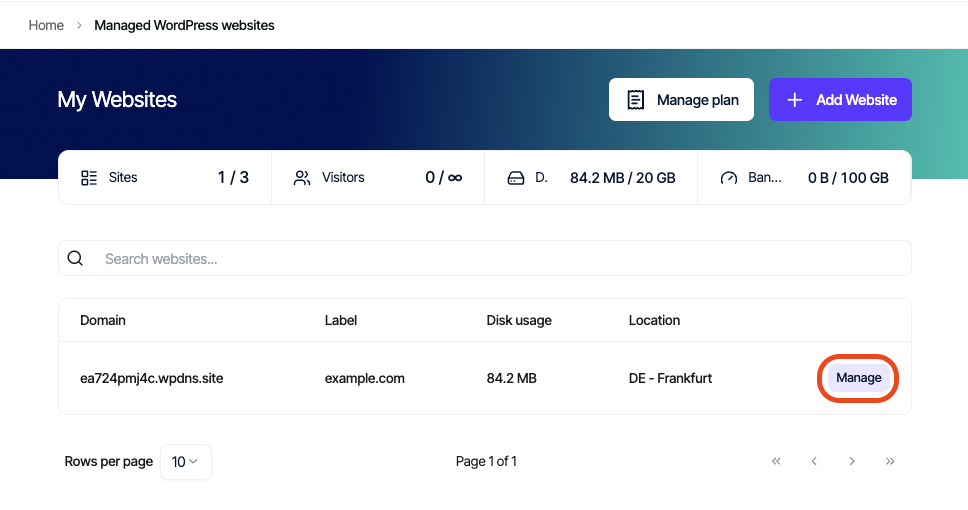
On the My Websites page, locate the site, and then click Manage:
-
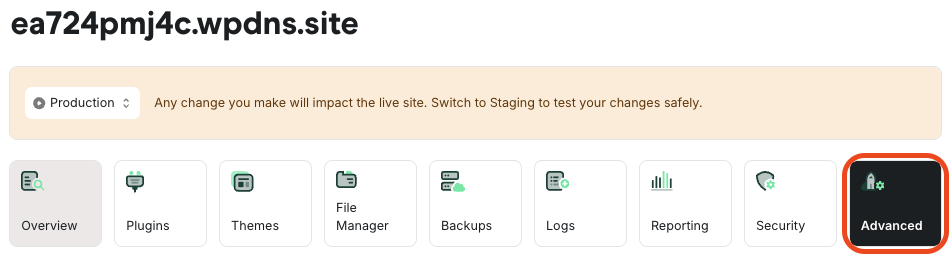
On the Mochahost dashboard, click the Advanced icon:
-
In the Advanced Settings section, in the Database Management row, click phpMyAdmin:
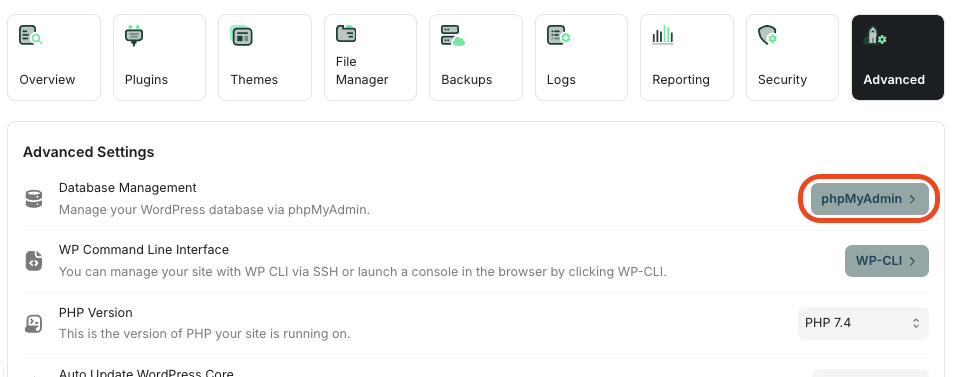 phpMyAdmin opens in a new tab.
Tip
For information about how to use phpMyAdmin, go to the official documentation at https://docs.phpmyadmin.net/en/latest/.