

- Log in to the Hosting Panel at https://clients.mochahost.com.
-
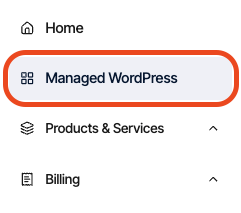
In the left sidebar, click Managed WordPress:
-
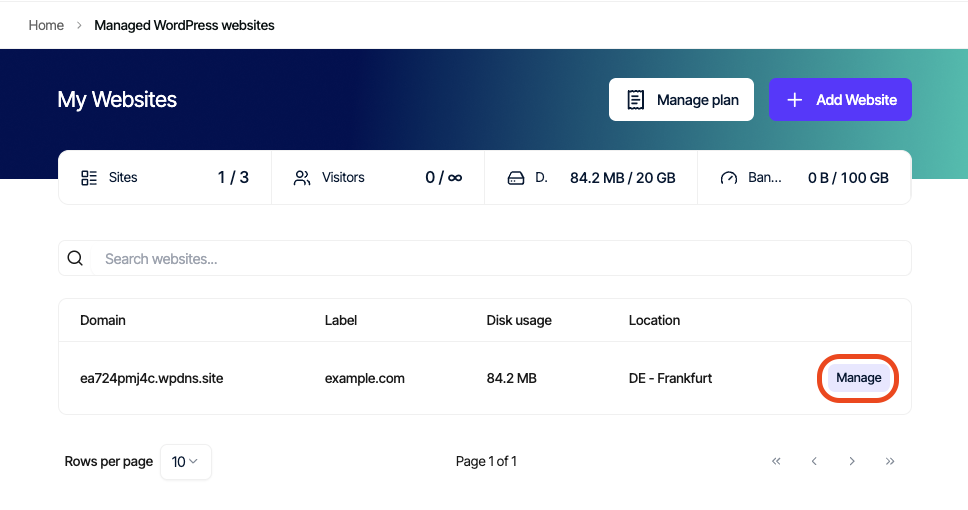
On the **My Websites **page, locate the site, and then click Manage:
-
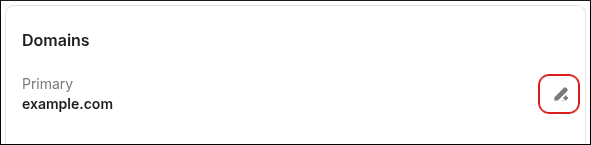
On the Mochahost dashboard, on the Overview tab, scroll down to the Domains section, and then click the pencil icon:
-
In the Change Domain dialog box, in the Domain text box, type the new domain name:
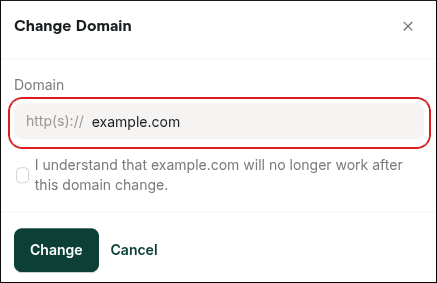
- Read the warning message, and if you agree, select the check box.
- Click Change. The domain for the website changes to the new value you specified.
Managed hosting for WordPress powered by Rocket.net
Changing the domain name of a website on Mochahost Managed WordPress
Learn how to change the domain name of an active website on Mochahost Managed WordPress.
This article demonstrates how to change the domain name of an active website on Mochahost Managed WordPress.
To change the domain name for a website, follow these steps:
Was this page helpful?