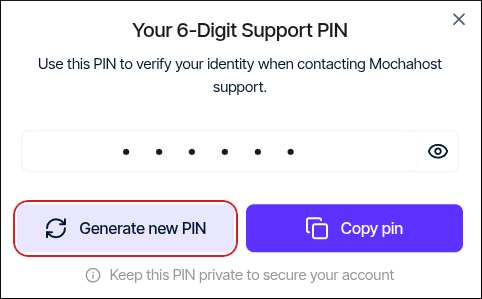
📘 Note We may use the Support PIN in phone calls, online chats, tickets, or any time we need to confirm your identity.To view or change the Support PIN for your account, follow these steps:
- Log in to the Hosting Panel at https://clients.mochahost.com.
-
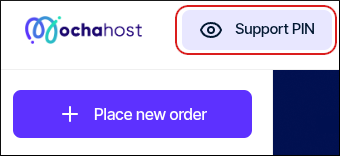
At the top of the page, click Support PIN:
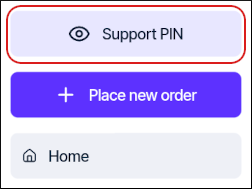
📘 Note If you are using a mobile device, tap the settings icon:
 Then tap Support PIN:
-
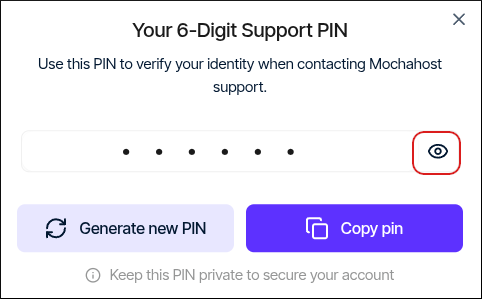
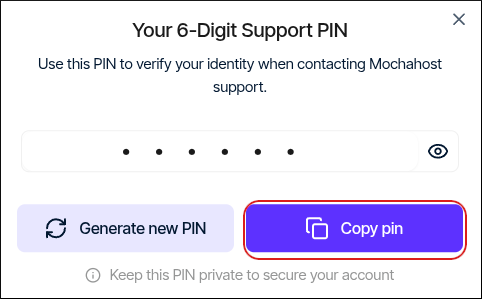
To view your support PIN, click the eye icon:
-
To copy your support PIN to the clipboard so you can quickly paste it into a chat with us, click Copy pin:
-
To generate a new support PIN, click Generate new PIN: